Start with a fit
During setup, choose interests, goals, common settings, preferred style, and a starting time. The app uses these answers to prepare a starting plan.
 The Boring Practice
How it works
The Boring Practice gives a small moment a clear beginning and end, without asking you to publish, perform, or produce a perfect result.
The complete loop
Each part supports the same job: make a small gap easier to use without filling it with another feed.
During setup, choose interests, goals, common settings, preferred style, and a starting time. The app uses these answers to prepare a starting plan.
Use the activity planned for today, select an easier option, or open the library. Activities include clear instructions and supported durations.
Start the timer and follow the prompt away from the app. A notification and Live Activity can help you track an active session.
When the session ends, note how it felt. If an idea or next step appeared, save it as a Note or Task. Thought capture is optional.
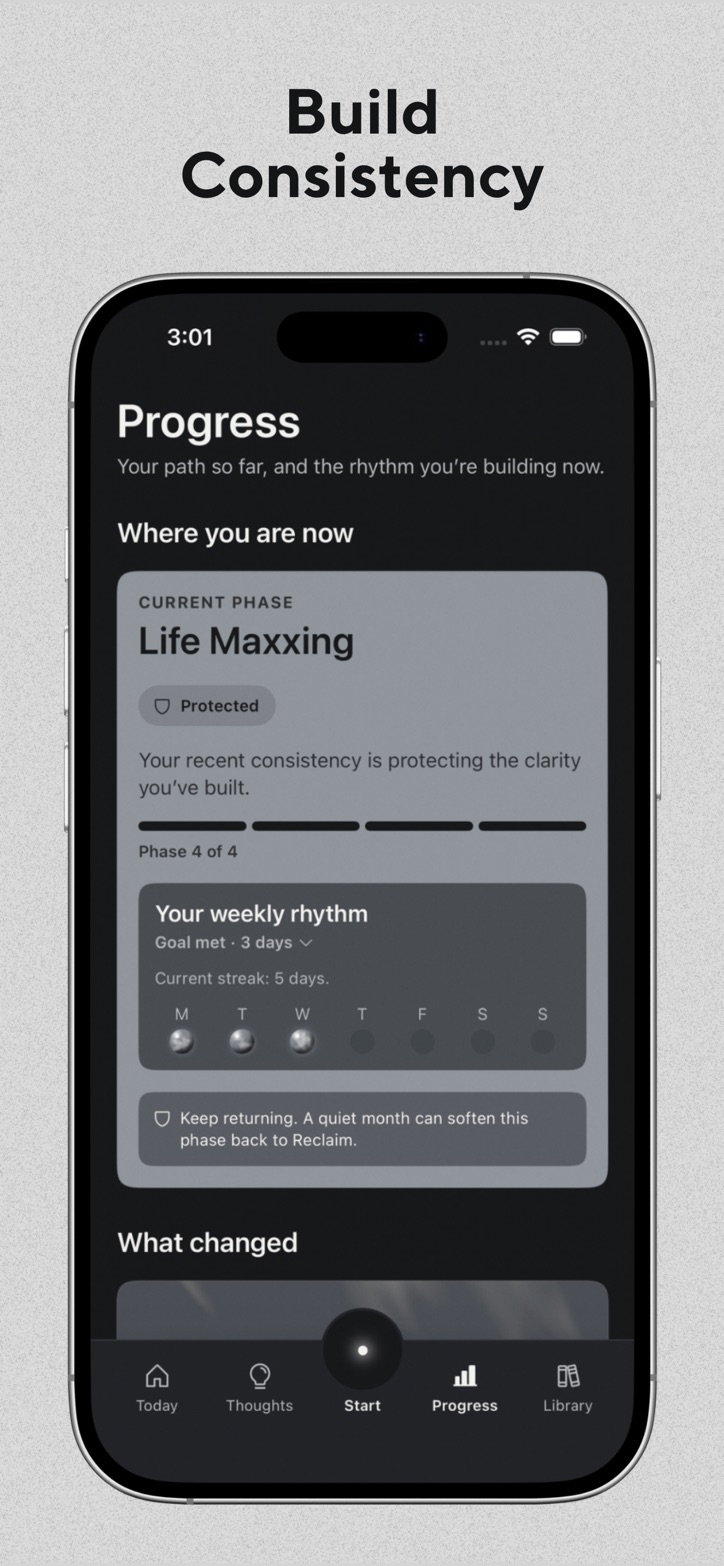
Use the Today and Progress areas to see recent sessions, weekly rhythm, and the longer journey. Missing a day does not remove completed work.
Step one
You do not need to invent a meaningful activity while your attention is still near the feed.
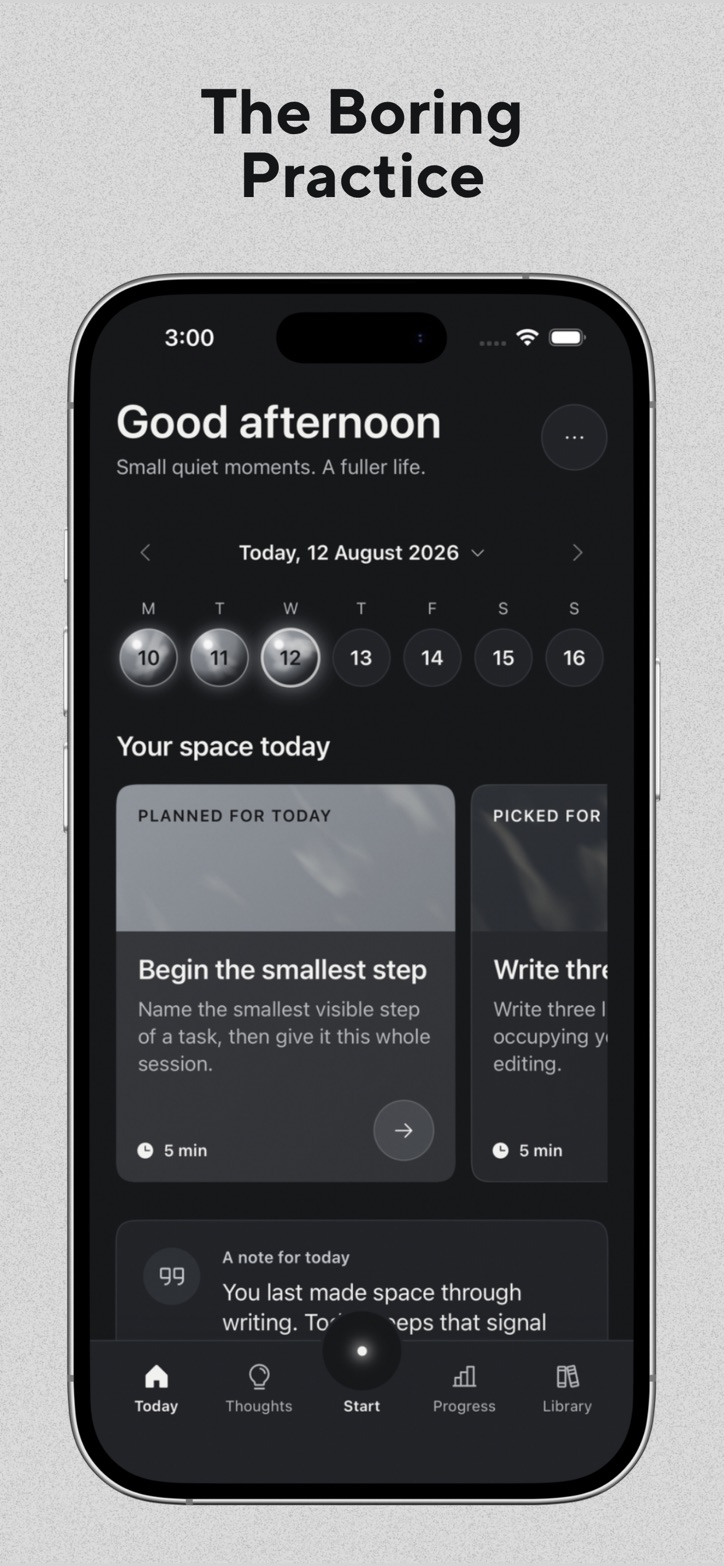
The Today screen can show a planned activity, a best match, and an easier option. You can also add a reminder for later.
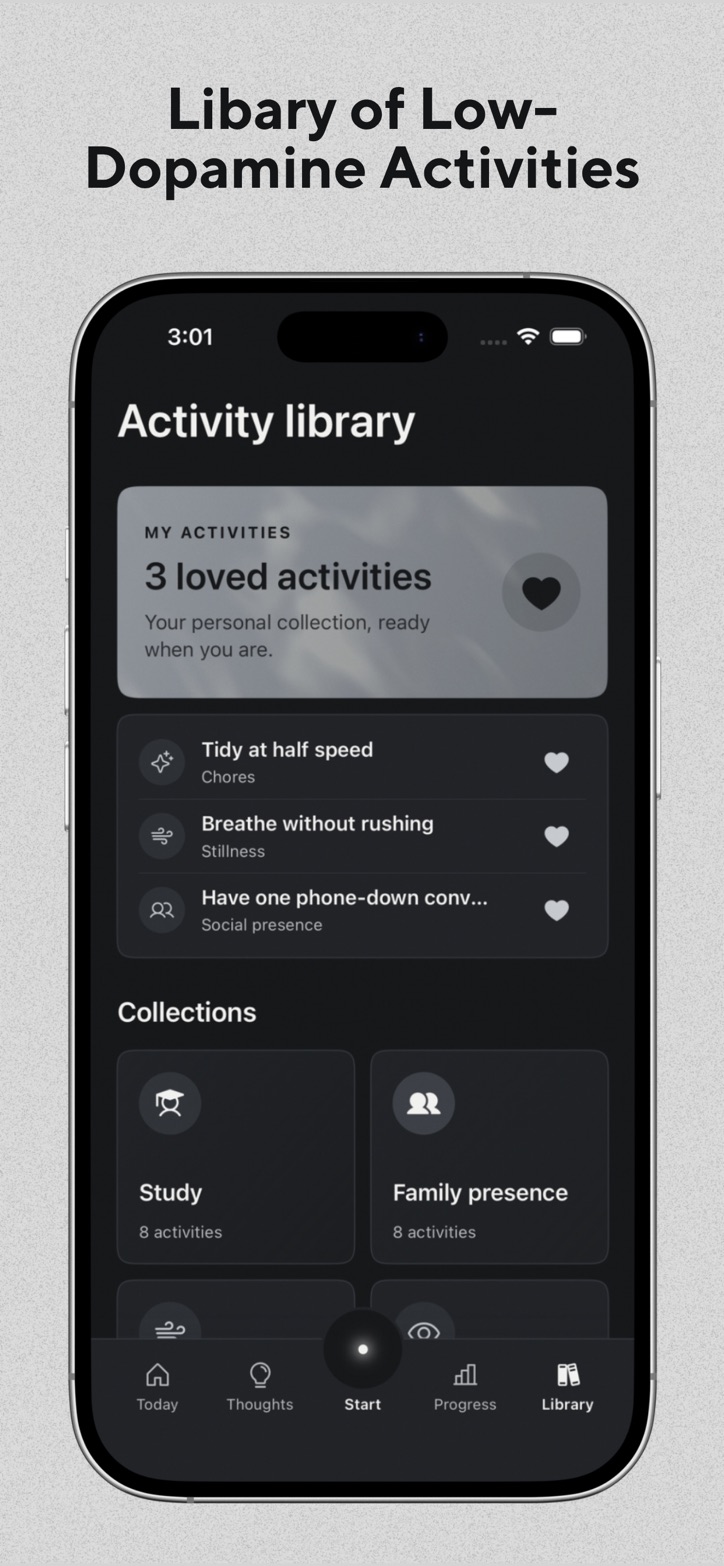
The library groups activities into clear categories and collections. You can keep loved activities ready for another day.
Step two
The prompt is a starting point. It is not a lesson, test, or score.
Step three
A quiet moment does not need to produce an insight. Thought capture remains optional.
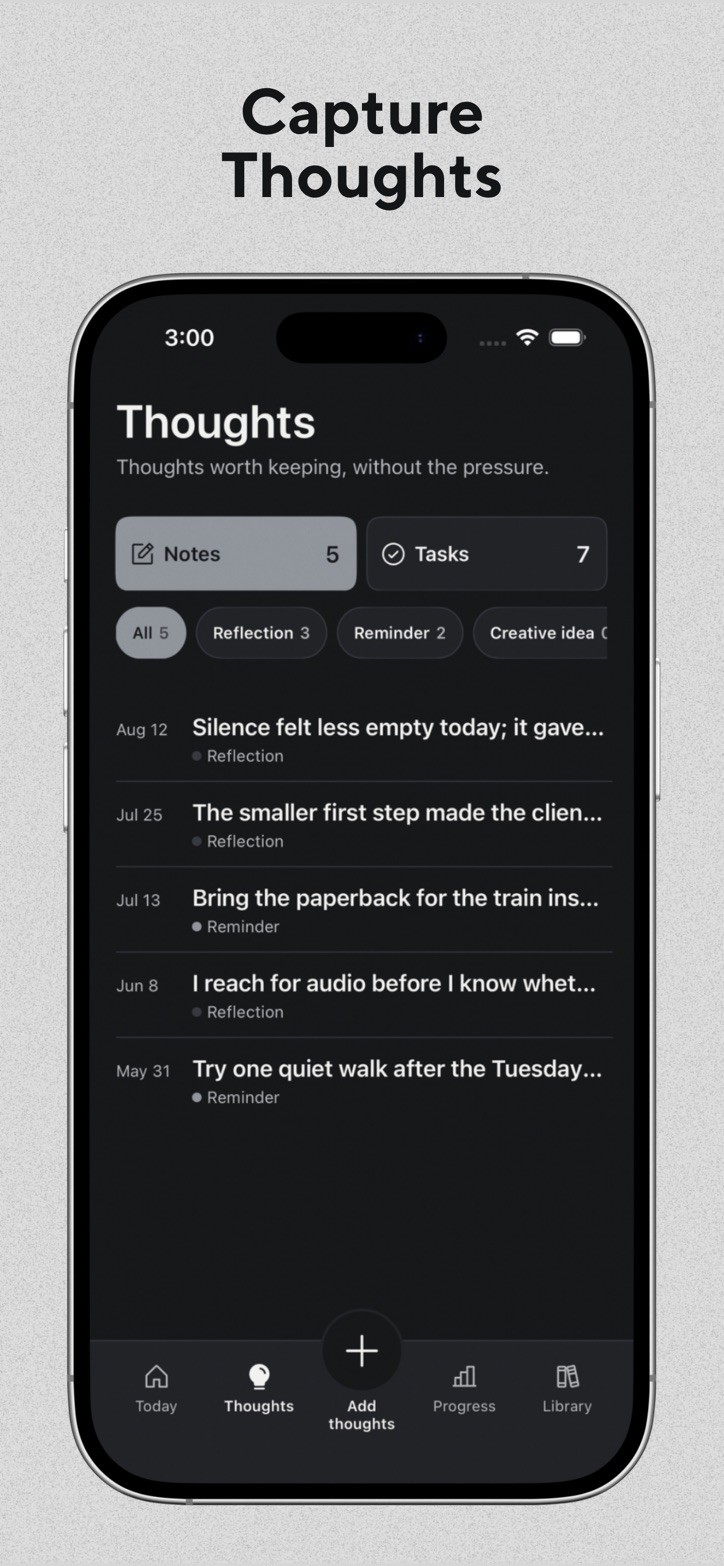
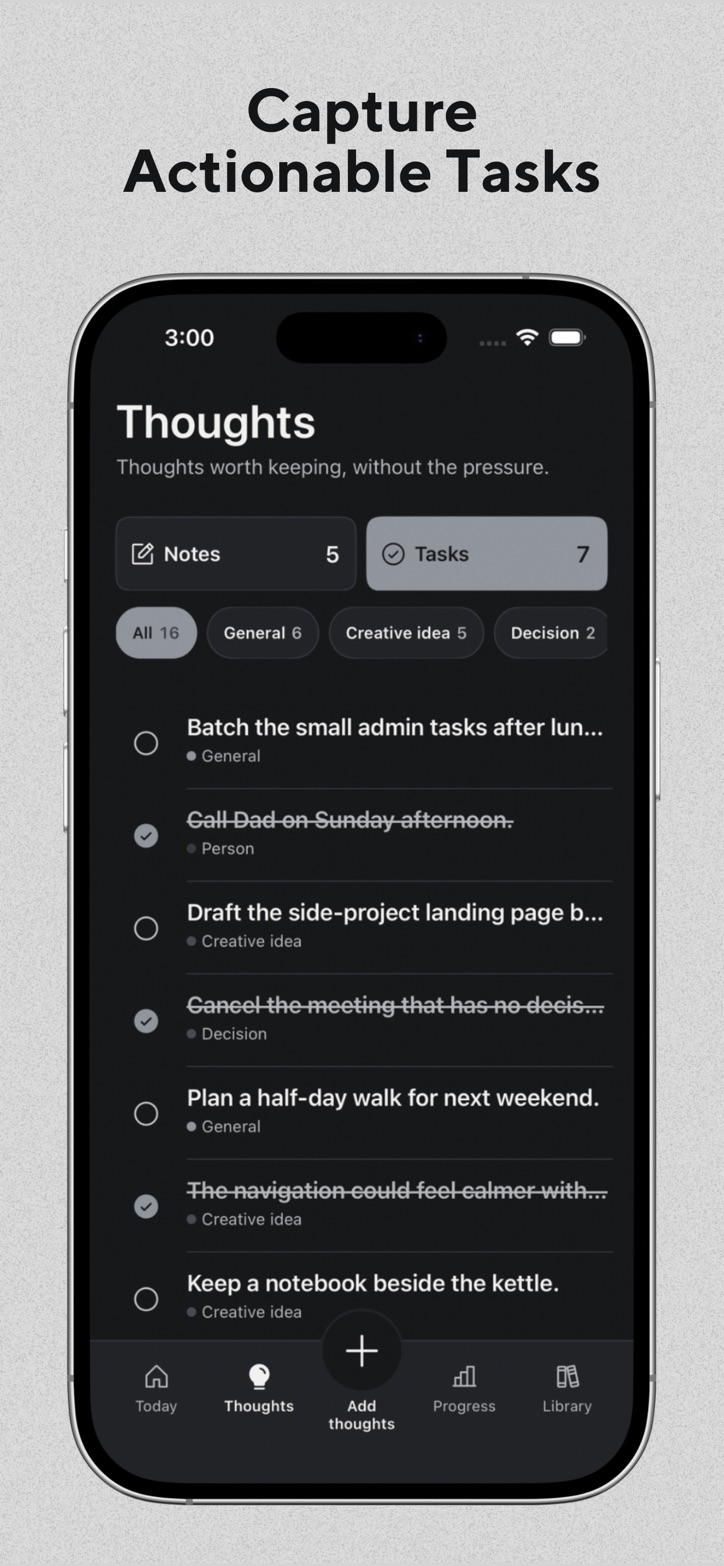
You can save a thought as a Note when it is worth remembering, or as a Task when it needs action. The text and use of these items stay on your device. The app does not send their title, content, type, status, creation, edit, completion, or deletion to Firebase Analytics.
Step four
Progress can show what happened without turning every missed day into failure.
See completed sessions, active days, time, and the activities that became part of the week.
Review Notes and Tasks that are still useful. Keep, change, complete, or remove them on your device.
Inside the flow
The App Store screenshots show the Today, Thoughts, Tasks, Progress, and Library areas.
Start with a short activity and let the moment stay small.